

Professional property photos in minutes
Make your property photos brighter, sharper and more inviting. Upload your photo, compare the result and download your enhanced image.
15 free photos. No subscription. Free account required.
How to get started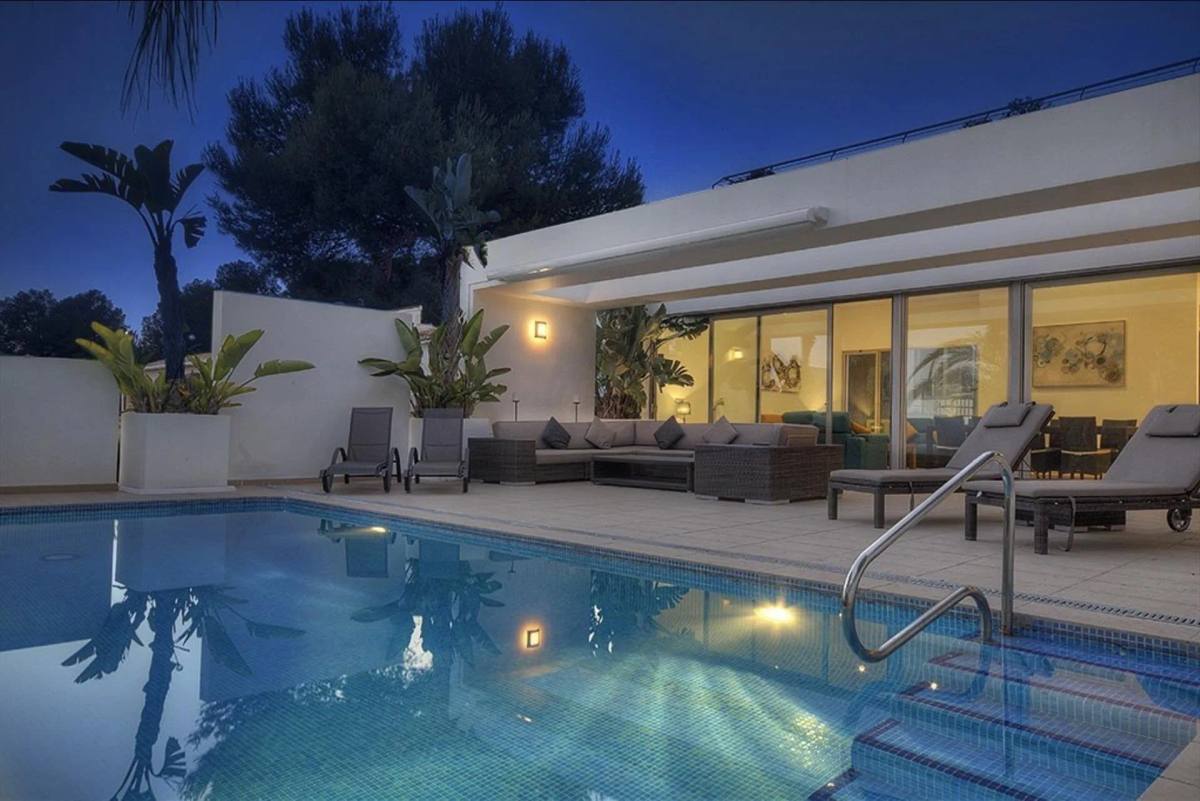
For your listing
What photos is Magic Home Photos for?
For property photos you publish online — interiors, exteriors and views.
Which photos
All property photos meant for websites: living rooms, kitchens, bedrooms, bathrooms, facades, gardens, terraces, pools and views. Phone or camera.
See which photos we enhance →Quality and size
Each photo is sharpened and prepared for the web. Soft images gain clarity. Large files are made practical for listing sites. The property stays the same property.
See quality and size →What you can do
Improve a truthful image: remove what distracts, add what the shot is missing. Standard polish, or a short instruction on each photo.
See what you can ask →
Examples
Before and after, from real properties
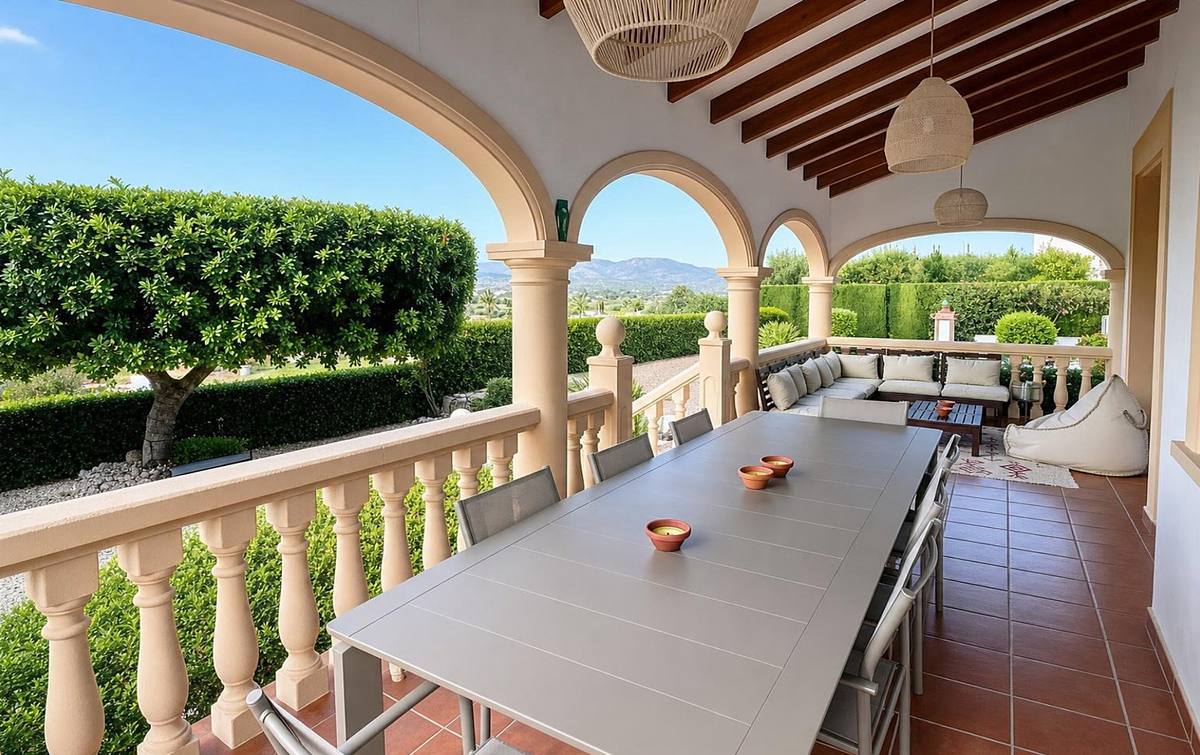

Could you set the table for 8 people, with plates, glasses and wine glasses, and cutlery?
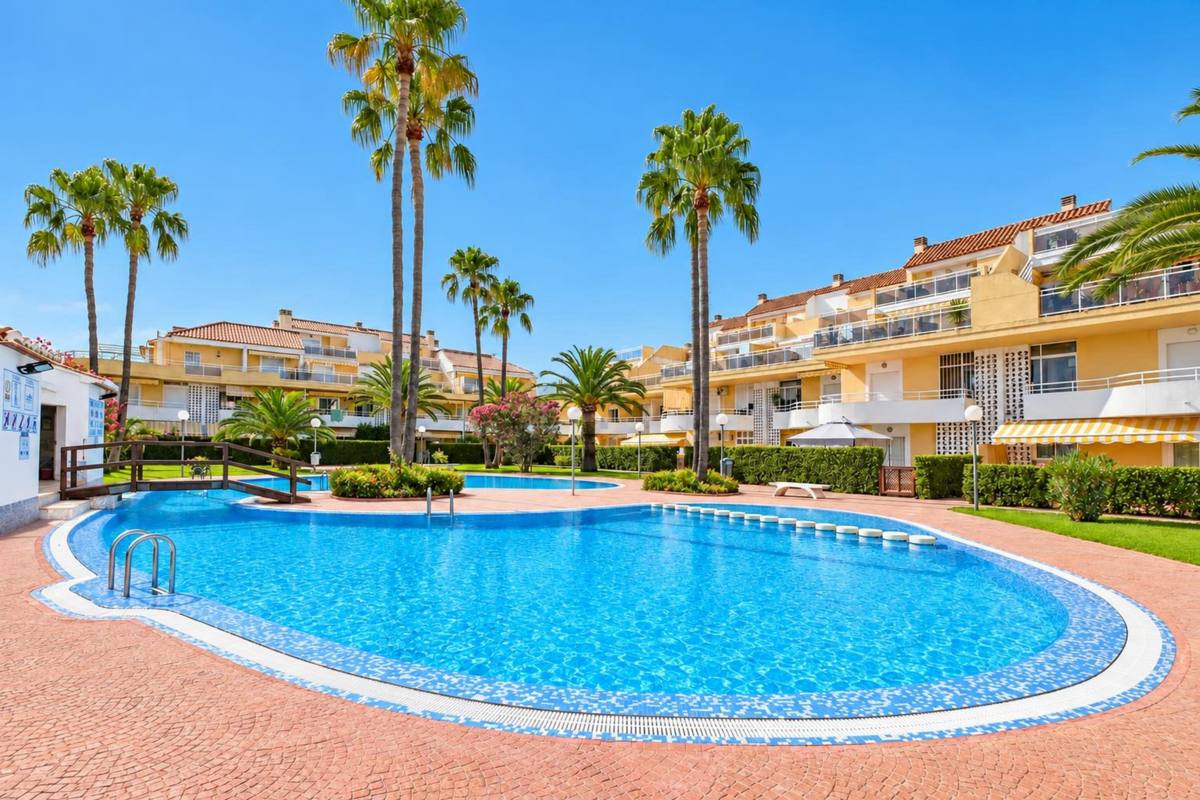
More sunlight and clean the terrace
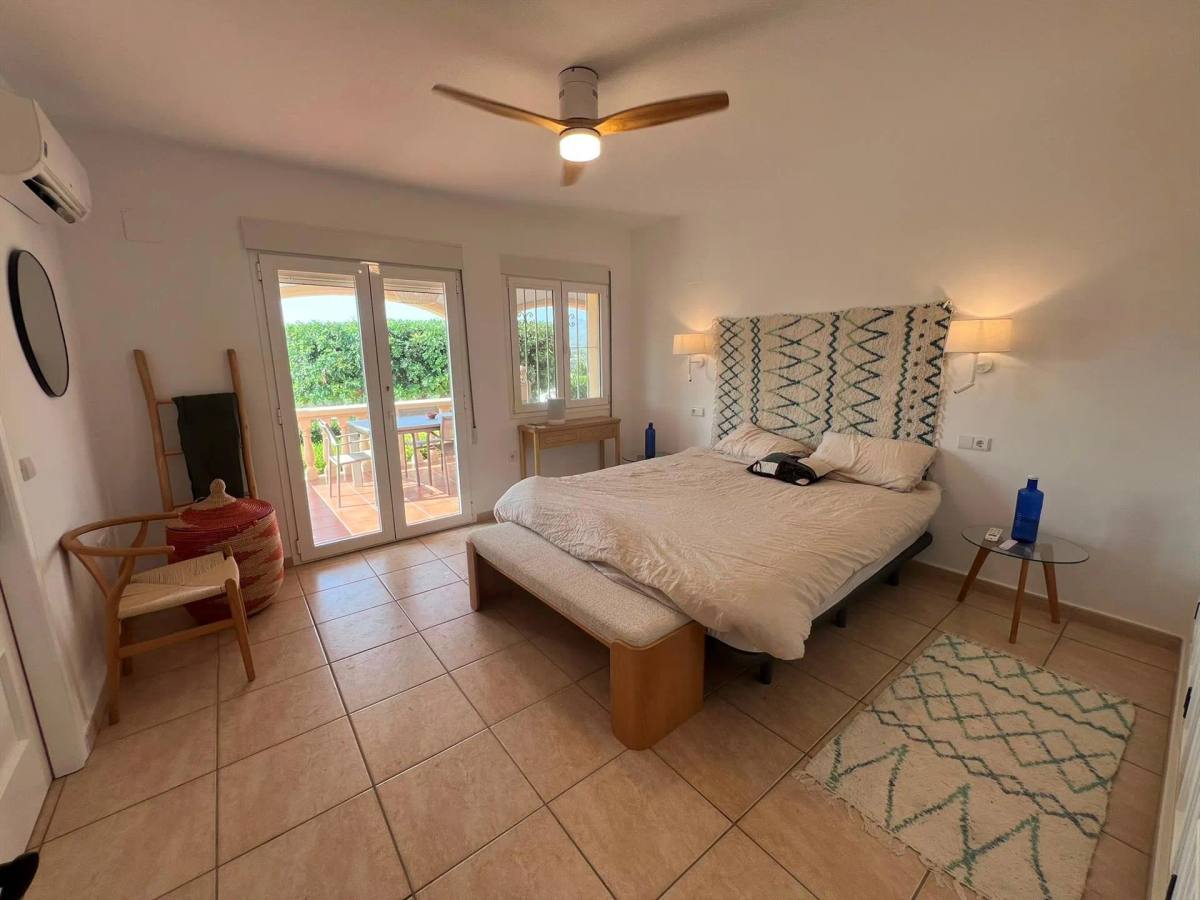
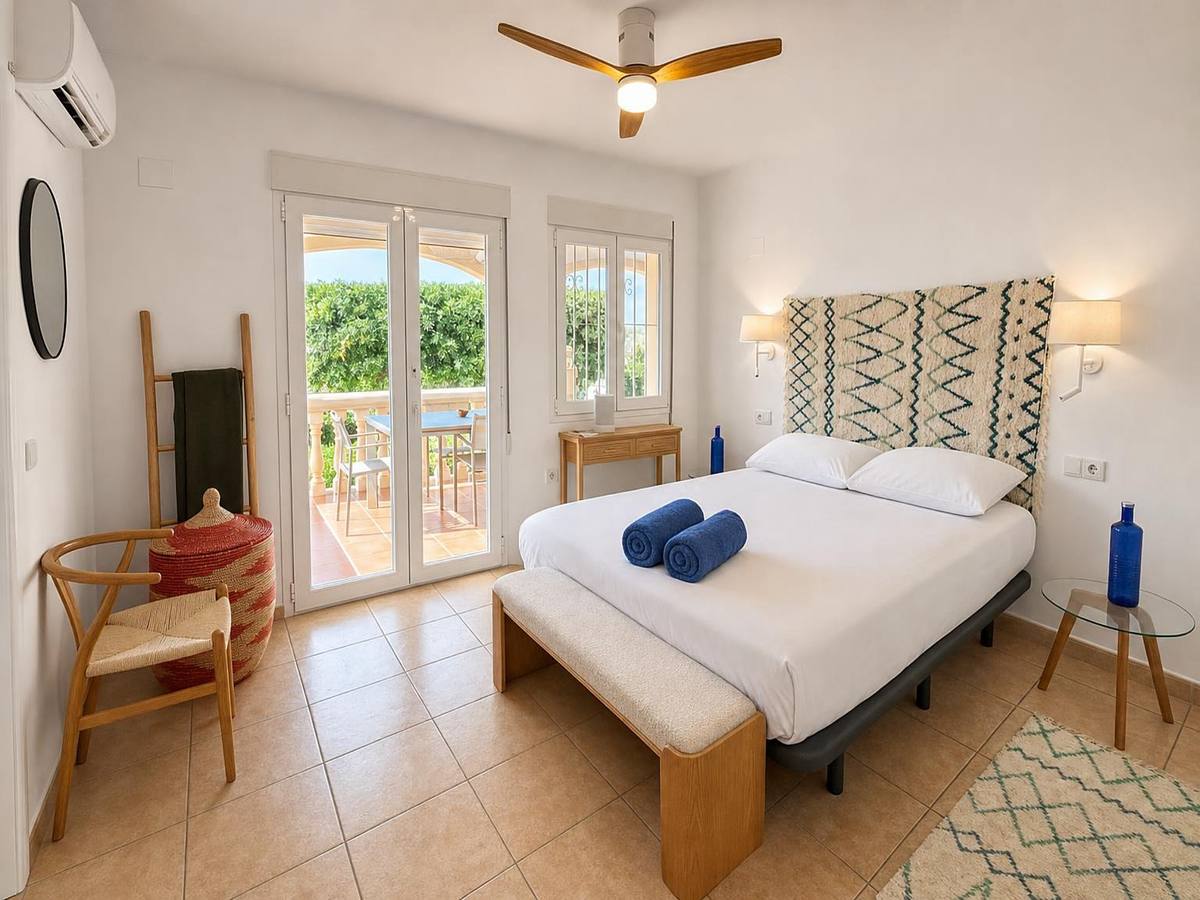
Beds made neatly

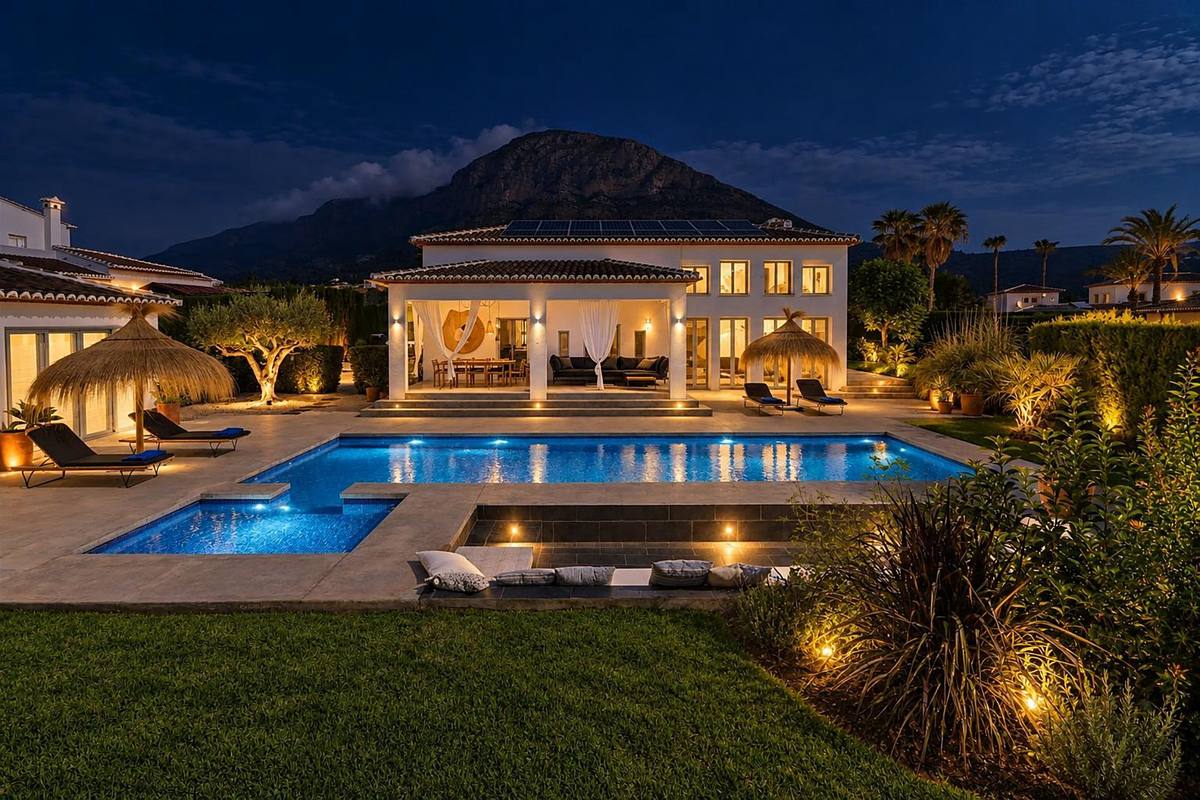
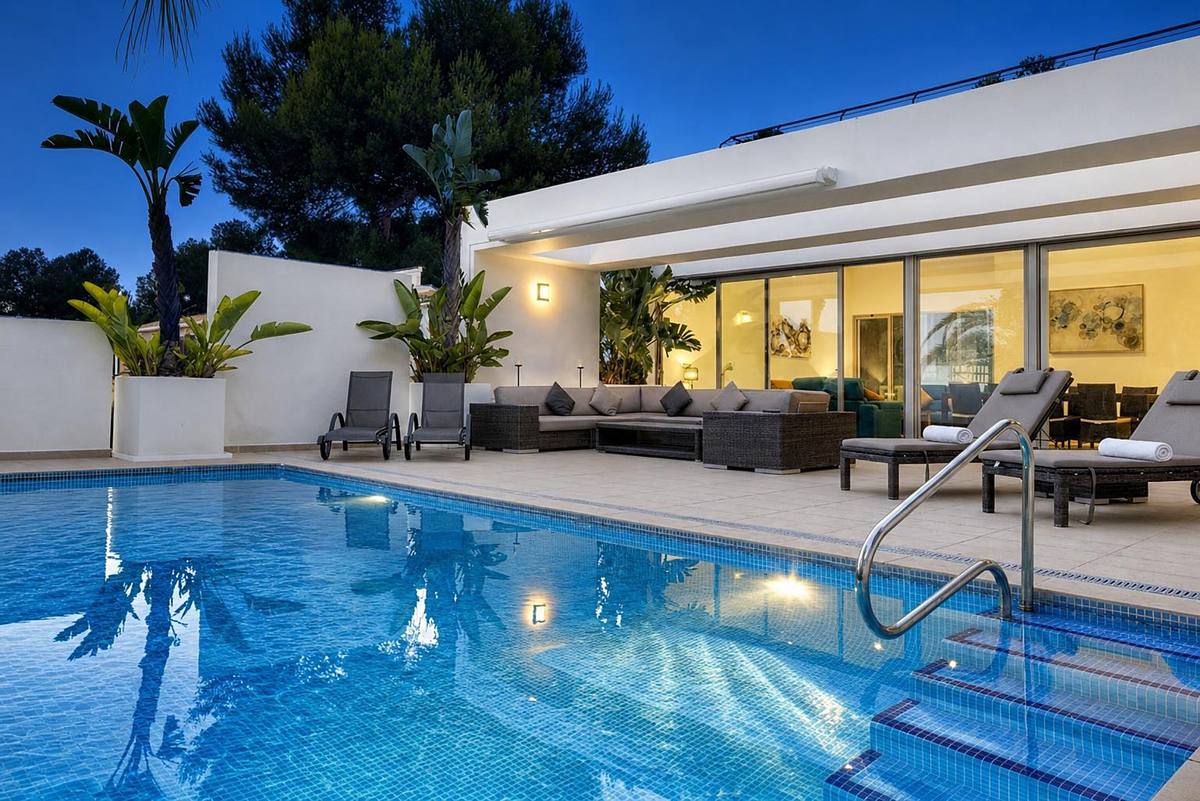
Take a evening photo using garden lights and moonlight
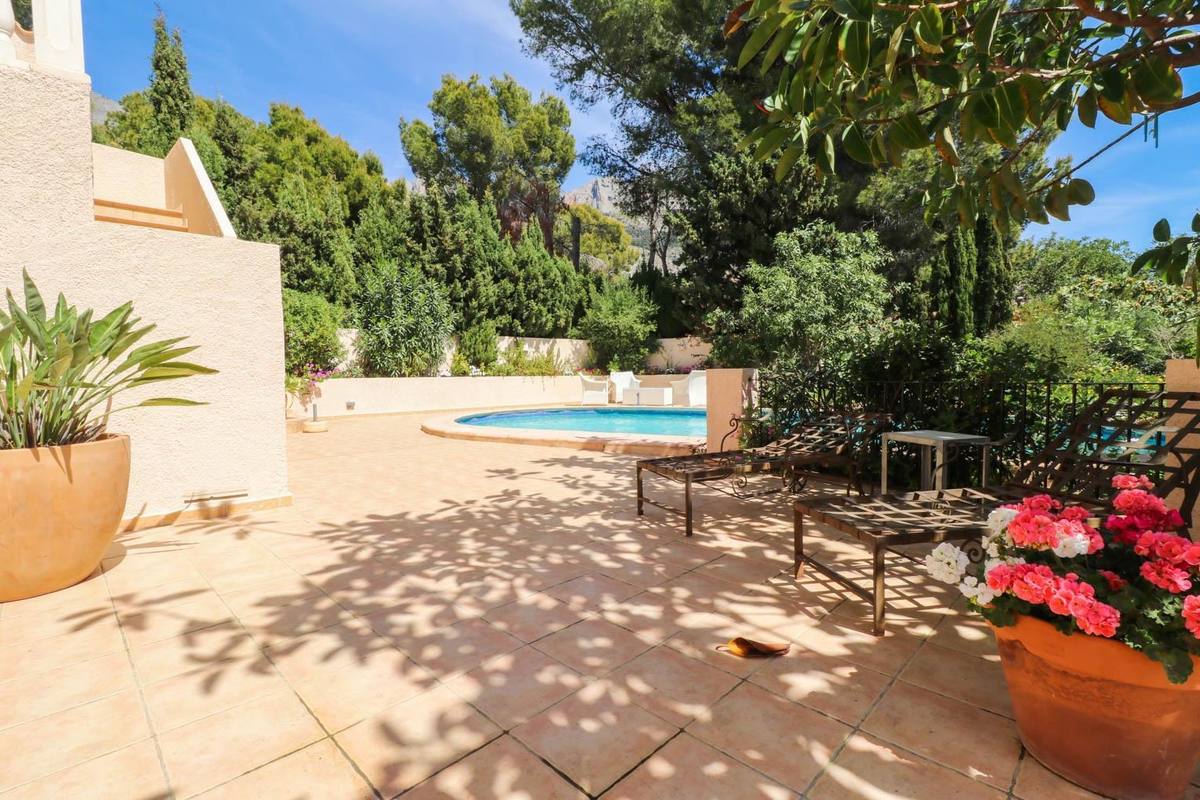
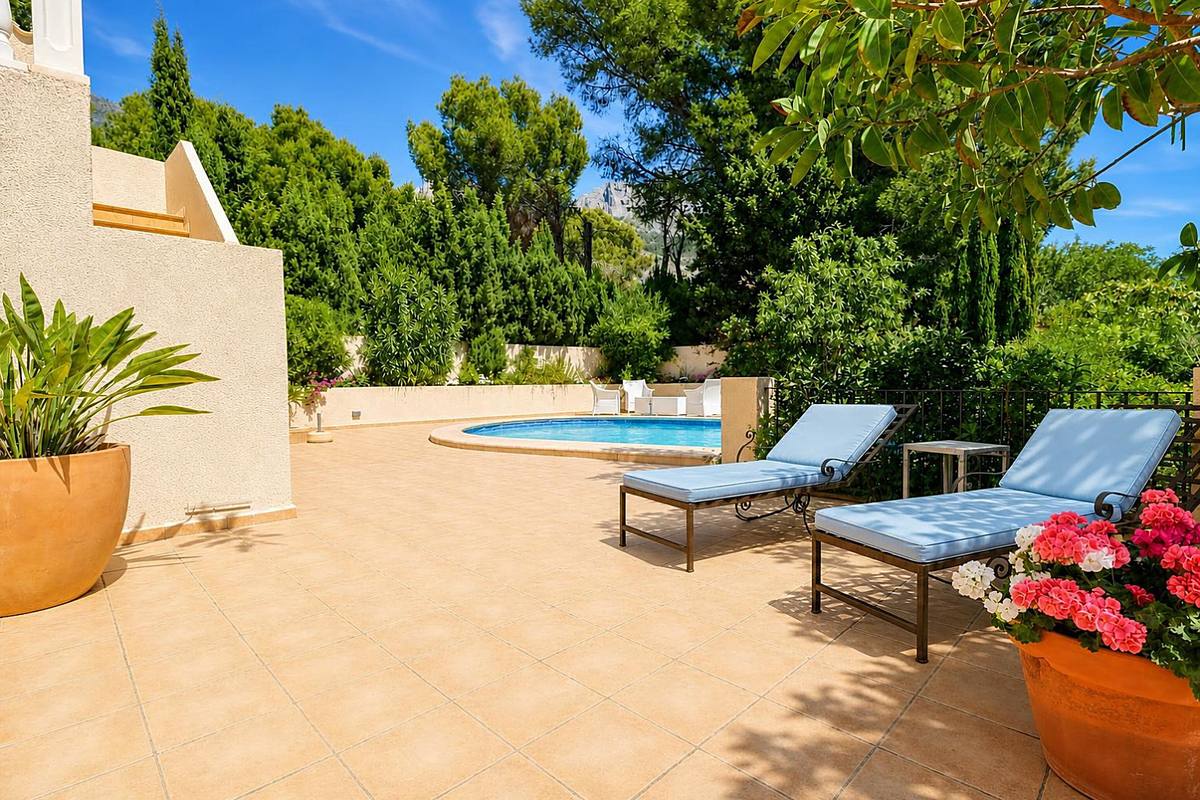
Remove the dark shadows and place cushions on the sun loungers.
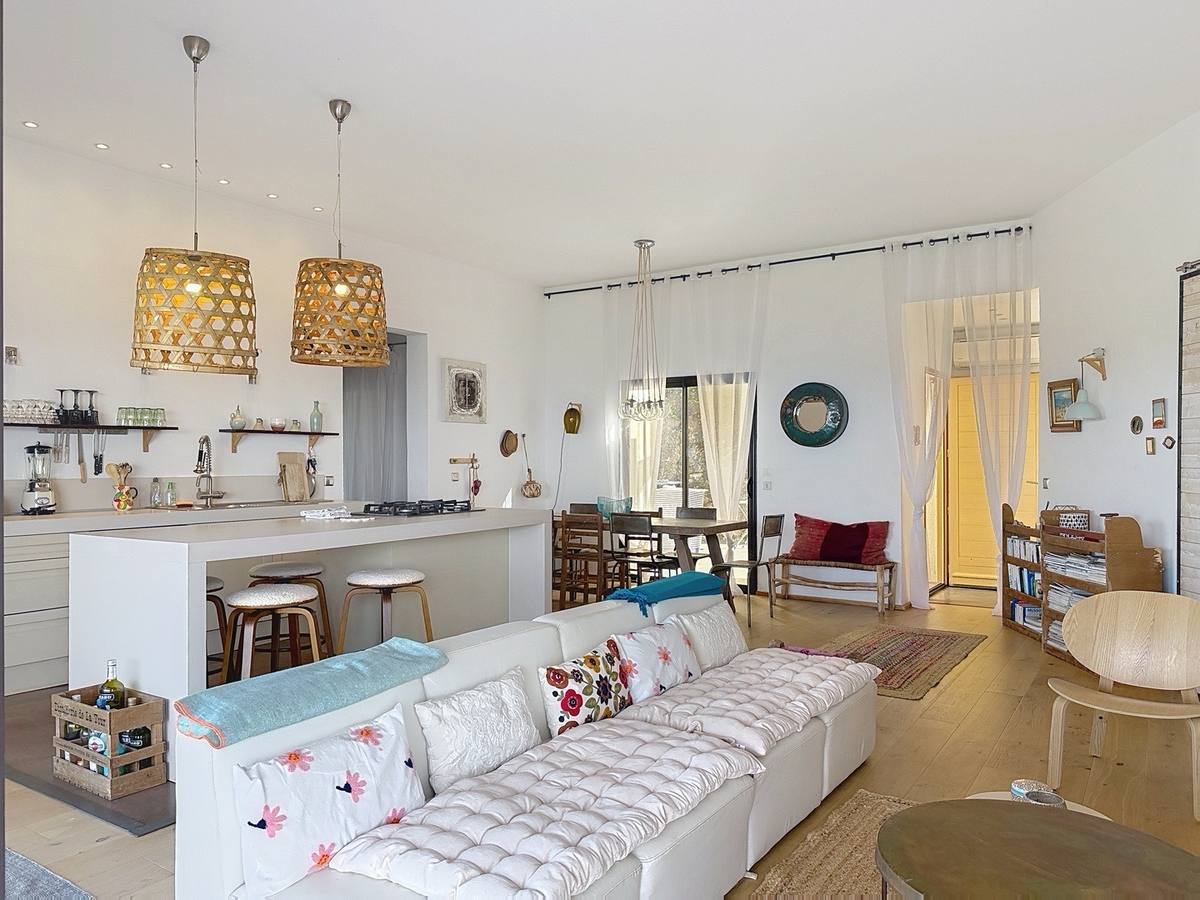
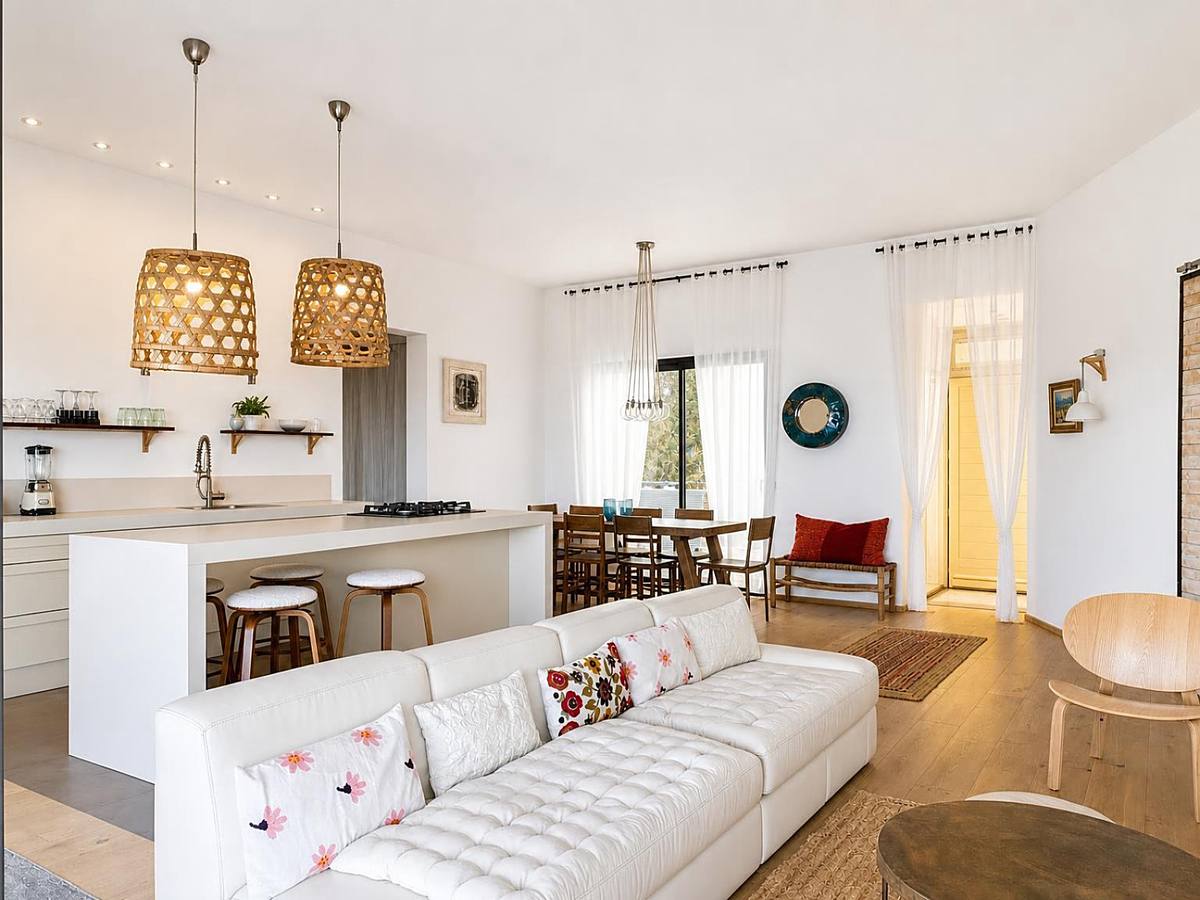
The kitchen is tidied up nicely.
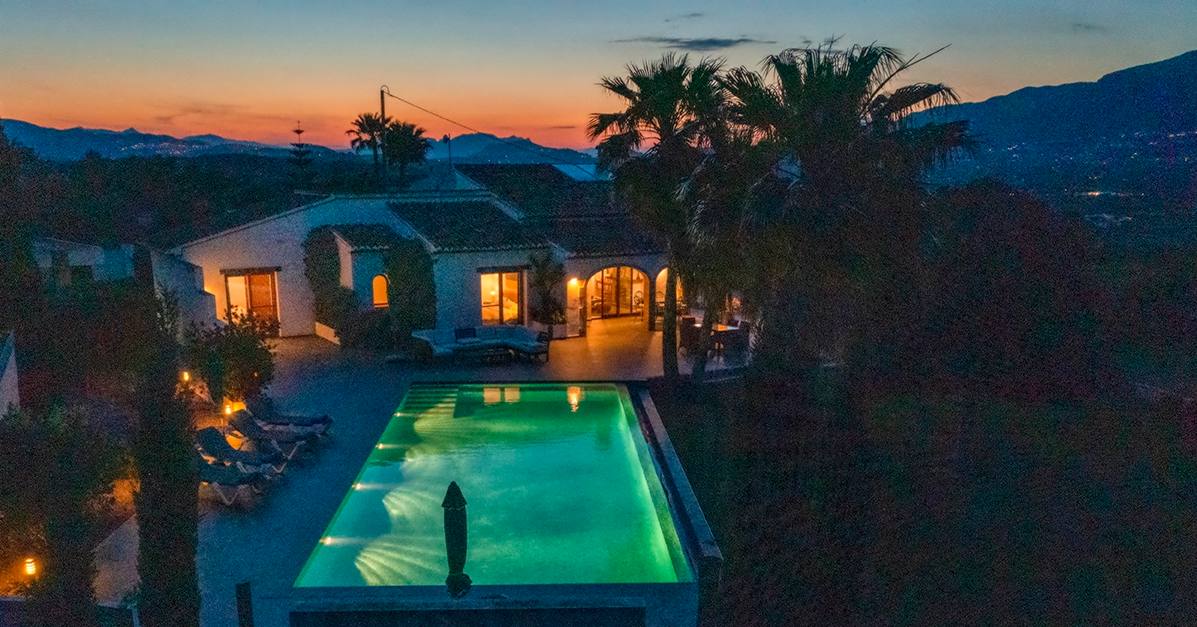
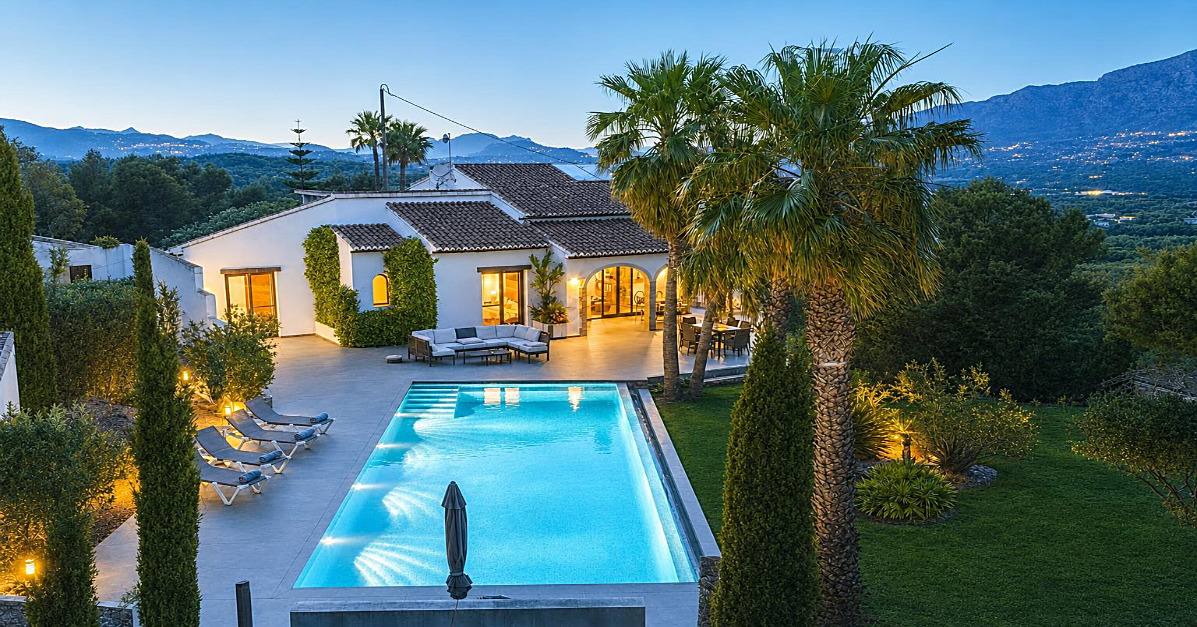
Sharpen the photo and brighten it up.
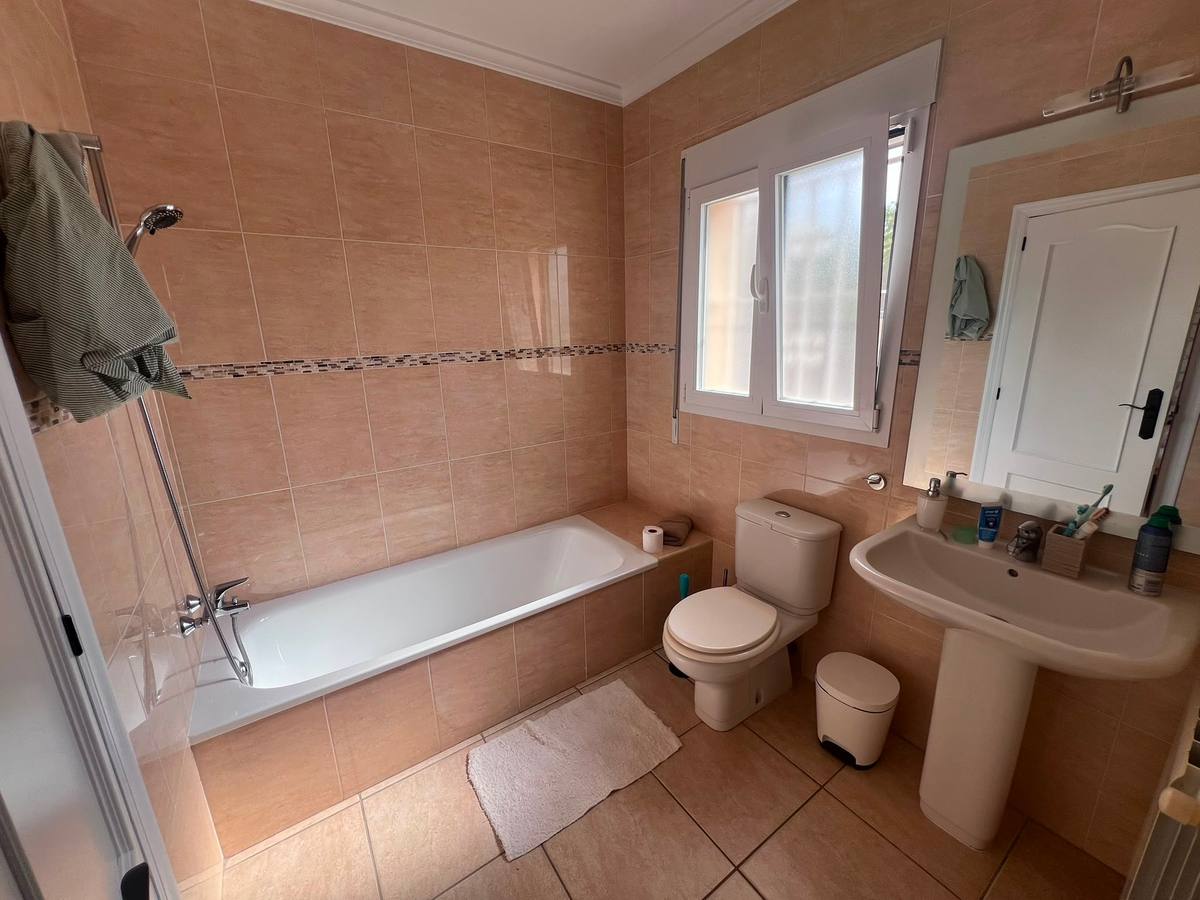
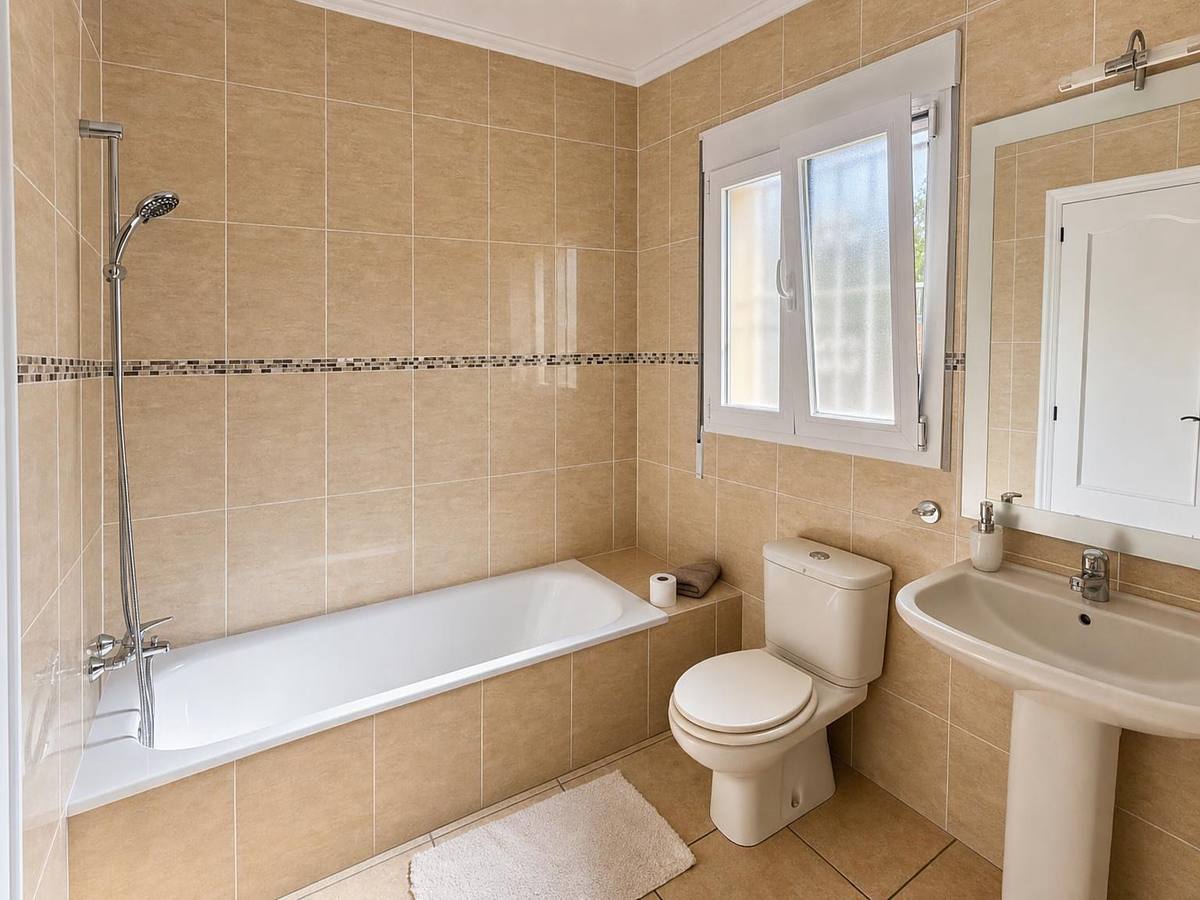
Please enhance the photo and remove the towel in the top left-hand corner of the image.


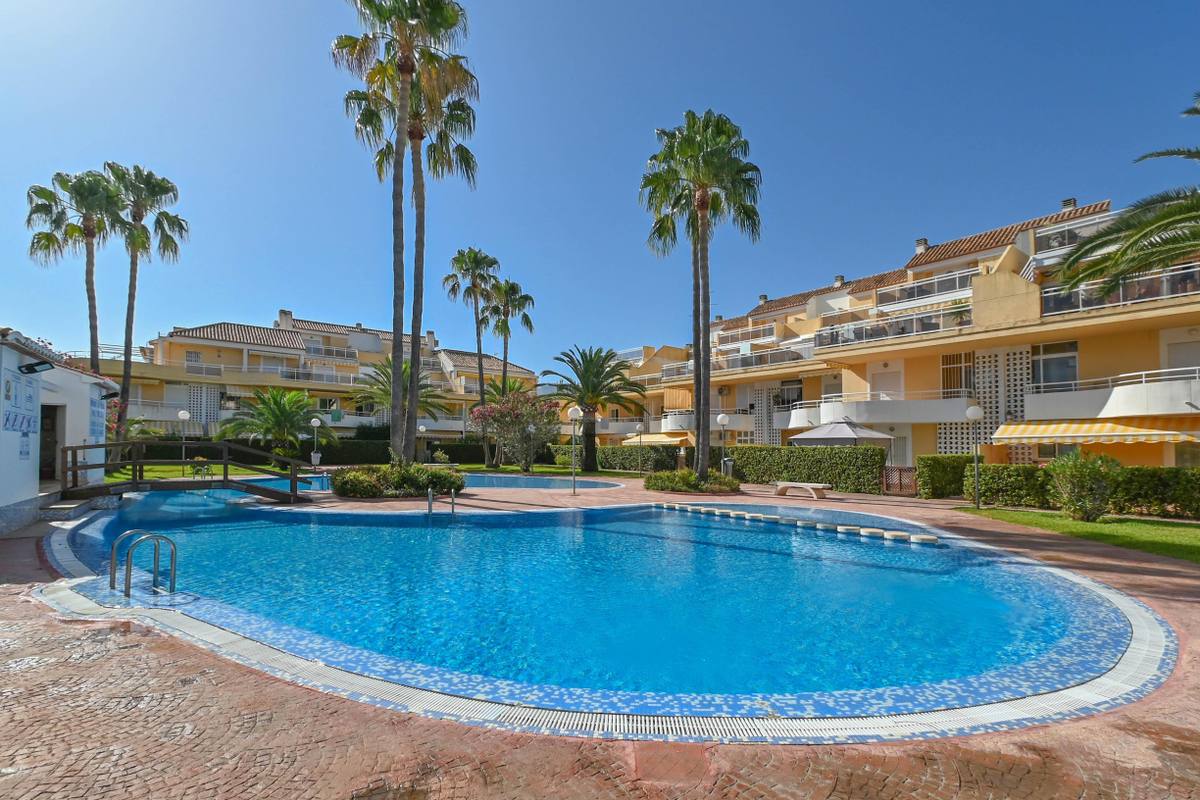
Make it a lovely spring day with some bathers.
How it works
Ready in three steps
- 1
Upload your photos
Drag one or more property photos into the upload area. JPG, PNG or WEBP.
- 2
Add an instruction if needed
For each photo you can ask for something extra: 'remove the garden hose', 'make the sky bluer'.
- 3
Download the result
Within a few minutes the enhanced version is ready, same image, same format.
Video presentation
Turn your photos into a property video
Besides enhancing photos, Magic Home Photos also builds a ready-to-share video presentation of a property.
- 1Pick the photos for the video and set their order and duration.
- 2Choose a style and background music; outdoor photos can be animated subtly.
- 3An intro and closing slide with the property details are added automatically. Download the video or publish it straight to YouTube.
This is a real project video, made with Magic Home Photos.
SEO for your photos
SEO-ready names and ALT text, in one click
When you download your enhanced photos, Magic Home Photos can name each file and write the ALT text for you. Clear for Google, usable on any website, no renaming by hand.
- 1
Add the property details
House name, type, town, region and country. Used once for the whole set.
- 2
We name every photo
Each file gets a short, unique name: property, place and what the photo shows.
- 3
ALT text travels with the file
The same description is stored in the photo, so other systems can read it.
Enhance the set, then download it ready for your website.
What the AI does
Craftsmanship, by consistent rules
Lighting & contrast
Dark corners opened up, blown-out windows restored.
Colour & white balance
Neutral walls, natural colours, no yellow tint.
Straight lines
Horizon and verticals straightened, perspective corrected.
Clean-up
Garden hoses, cables, stains and clutter neatly removed.
Same property
Never new furniture or rooms: your property stays your property.
Same dimensions
Aspect ratio and resolution remain exactly the same.
Who it's for
Built for real-estate professionals
Estate agents
Consistent, sale-ready images for every property listing.
Landlords
Quickly better listing photos, even from phone shots.
Holiday rentals
Pool, terrace and interior the way guests want to see them.
Photographers
Bulk post-processing, without hours in the editor.
Try it with your own photo
Create a free account and enhance your first 15 photos at no cost.